




Many businesses want to use YouTube videos for pay-per-call marketing, but most viewers never pick up the phone. They post ads or tutorials, yet calls don’t come.
YouTube is full of potential clients. It reaches over 2.7 billion monthly active users, according to MarketingLTB. This makes it a massive stage for lead generation. Still, not every view means intent. The key is creating videos and ads that convert viewers into calls. Without the right setup, even engaged viewers drop off before placing a call.
This guide explains how to plan, produce, and track YouTube pay-per-call campaigns, ensuring you only pay for legitimate leads. It breaks down each step for easier implementation.
Pay-per-call means you pay only when someone makes a qualified phone call to your business. A qualified call meets the time or intent rules you set.
The flow is simple.
This model is best for businesses that rely on high-value calls. A few examples are plumbing repairs, personal injury law, and health insurance plans.
YouTube video campaigns display your ads to people most likely to act, such as calling a business. These campaigns can be either paid ads or organic videos.
A strong YouTube campaign begins with clear goals, such as getting calls, clicks, or leads. Create a short video that highlights the benefit quickly. Include a visible call-to-action, such as a phone number on screen and in the description. Keep it focused so viewers stay engaged and take action.
YouTube provides tracking tools. You can monitor:
Start with a small test campaign and track results. Use the data to improve your script, thumbnail, and targeting. Repeat this process regularly to increase calls and boost ROI.
YouTube works well for pay-per-call because people trust what they see. A short video can highlight the problem, the fix, and the real value of the service. You can place the phone number on screen the whole time and ask viewers to call.
The platform also reaches people with high intent, as they often search for the exact issue they want to solve and engage right away.
Video viewers respond more than those who see only text or images, and mobile or voice search makes calling easy.
Some niches perform especially well in pay-per-call campaigns because they combine high payouts with real phone‑call demand. Examples include:
These niches are popular on pay-per-call networks because the payoff per qualified call is high and the need triggers people to pick up the phone.
You can use YouTube for pay-per-call with paid ads or organic videos. Each works differently and fits different goals.
Paid ads are best when you want immediate results and control over who sees your video.
Organic content is ideal for long-term growth and building authority. It helps people discover your service naturally and call when they are ready.
To attract high-quality calls, you need to reach the right audience. YouTube provides several targeting options to help you show your videos to the most relevant viewers:
Tip: Combine targeting options to reach people who are most likely to call. For example, a plumber could target local homeowners searching for urgent repairs.
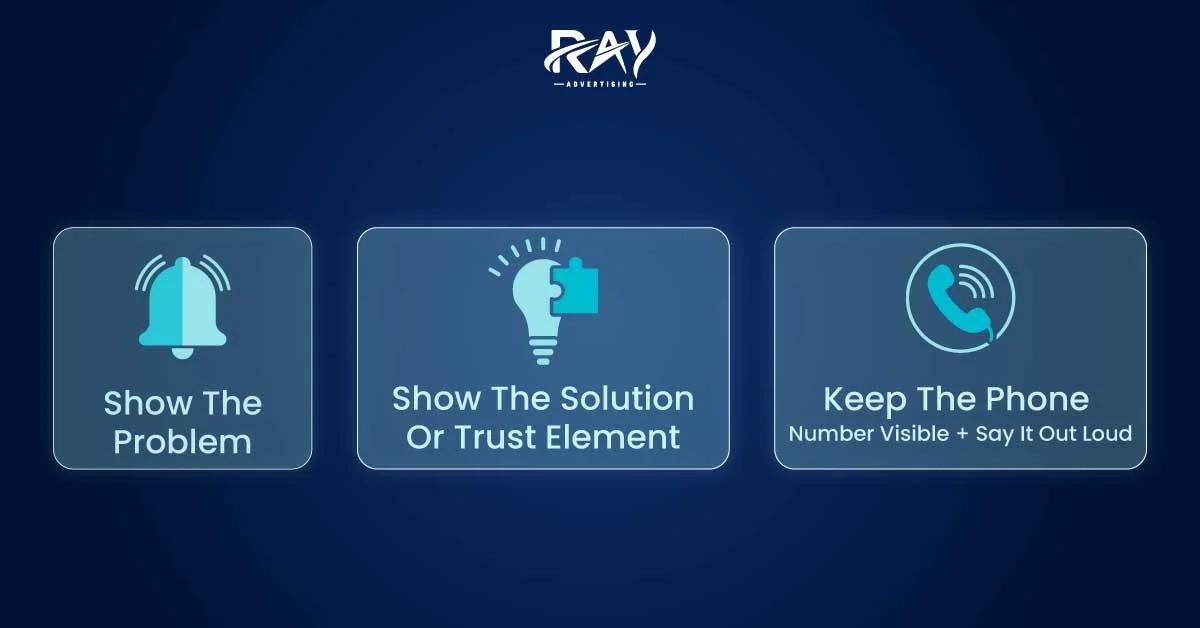
The right video can make the difference between someone picking up the phone or scrolling past. Top pay-per-call videos follow proven structures and use key elements that drive action. Paid ads typically run 15–30 seconds, while organic how-tos or FAQ videos can be longer to build trust over time.
A strong short video usually follows a simple structure:
|
Step |
What to Do |
Example |
|
Hook |
Grab attention in the first 5–10 seconds. Show a problem or situation people relate to. |
A flooded basement for plumbing services. |
|
Proof |
Show your solution or build trust with before-and-after shots, quick testimonials, or real examples. |
A short clip showing the plumber fixing the flood or a satisfied customer testimonial. |
|
Call |
End with a direct call to action. Say the phone number aloud and keep it visible on screen for the entire video. |
“Got a water leak? Call [Phone Number] now. We fix it fast and reliably. Don’t wait — your home depends on it.” |
Your video’s visuals and text are just as important as the content itself:
|
Element |
What to Do |
Example |
|
Thumbnail |
Use bright, clear images that show the problem or the solution. Faces or real scenarios attract more attention. |
A plumber fixing a burst pipe or a worried homeowner pointing at water damage. |
|
Title |
Make it short and clear. Include the service and, when relevant, a sense of urgency. |
“Emergency Plumbing Service – Call Now” |
|
Description |
Include main keywords naturally. Repeat the phone number and summarize the benefit of calling. |
“Need fast plumbing help? Call [Phone Number] now to stop water damage before it gets worse.” |
Tracking calls is crucial to see which videos or ads drive real leads. Proper setup ensures you pay only for qualified calls and measure how well your campaign performs.
Step 1: Choose a call tracking tool
Use software that links phone calls to a source. Examples include CallRail, Ringba, Phonexa, and Invoca.
Term: call tracking is software that ties a phone call to the ad, video, or campaign that generated it.
Step 2: Create and place unique tracking numbers
Create a unique number for each campaign or video. Place it in the video, title, and description so viewers always see the correct number. Dynamic number insertion can automate this when possible.
Step 3: Log and monitor calls
Record call length, caller location, and outcome. Tag calls by outcome to measure actual value, such as sales, appointments, or qualified leads.
Step 4: Analyze results
Compare call spikes with ad spend and video views to understand which campaigns drive results. Focus your budget on videos and campaigns that generate the most qualified calls and the highest return on investment.
Tip: Start with a small test campaign to make sure tracking works before scaling up.
Tracking the right metrics helps you understand which videos and ads drive valuable calls. Focus on these numbers:
|
Example benchmarks from common pay-per-call campaign performance:
These numbers vary by niche, but they help you understand what looks like healthy performance. |
Follow these steps to create a YouTube pay-per-call campaign from start to finish:
|
Day |
Action |
|
1 |
Choose a niche, target area, and write a brief script |
|
2 |
Film the video and create a thumbnail |
|
3 |
Set up call tracking and assign tracking numbers |
|
4 |
Create a Google Ads campaign and upload a creative |
|
5 |
Launch with a small budget |
|
6 |
Check early calls and fix any tracking issues |
|
7 |
Review the initial results and make changes to your creative or targeting |
Here’s a sample YouTube pay-per-call campaign for emergency plumbing. It shows how to structure the ad, target the right audience, set up tracking, and measure performance. You can use this as a template to plan your own campaigns for any service or niche.
|
Element |
Details |
|
Video Ad Type |
In-stream ad (15–20 seconds) |
|
Targeting |
Location: Local city/zip codes Interests: Home repair, DIY, plumbing tips Keywords: “Emergency plumber near me,” “Burst pipe repair.” |
|
Script |
Hook (0–5 sec): Show dripping ceiling, overlay: “Got a leak?” Proof (5–12 sec): Clip of plumber fixing pipe, overlay: “Same-day repairs, trusted by neighbors.” Call (12–20 sec): Display phone number and say: “Call [Phone Number] now to stop water damage fast.” |
|
Call Tracking Setup |
Unique tracking number for this campaign Displayed in video, ad copy, and description Logs call length and location |
|
Budget & Launch |
Test budget: $50/day Run 7–14 days to gather data |
|
Metrics to Watch |
Cost per call (CPCall) Call length: 60–90 sec Conversion rate: 20–30% ROI / return on ad spend |
|
Optimization Tips |
Test different hooks or thumbnails Pause low-performing ads Increase the budget gradually on high-performing ads |
YouTube videos can drive high-quality pay-per-call leads by showing real problems and solutions to an engaged audience. A successful campaign includes choosing a profitable offer, creating a short video with a hook, proof, and call, setting up call tracking, testing, and optimizing based on results. Paid ads and organic content together help reach the right people and maximize ROI.
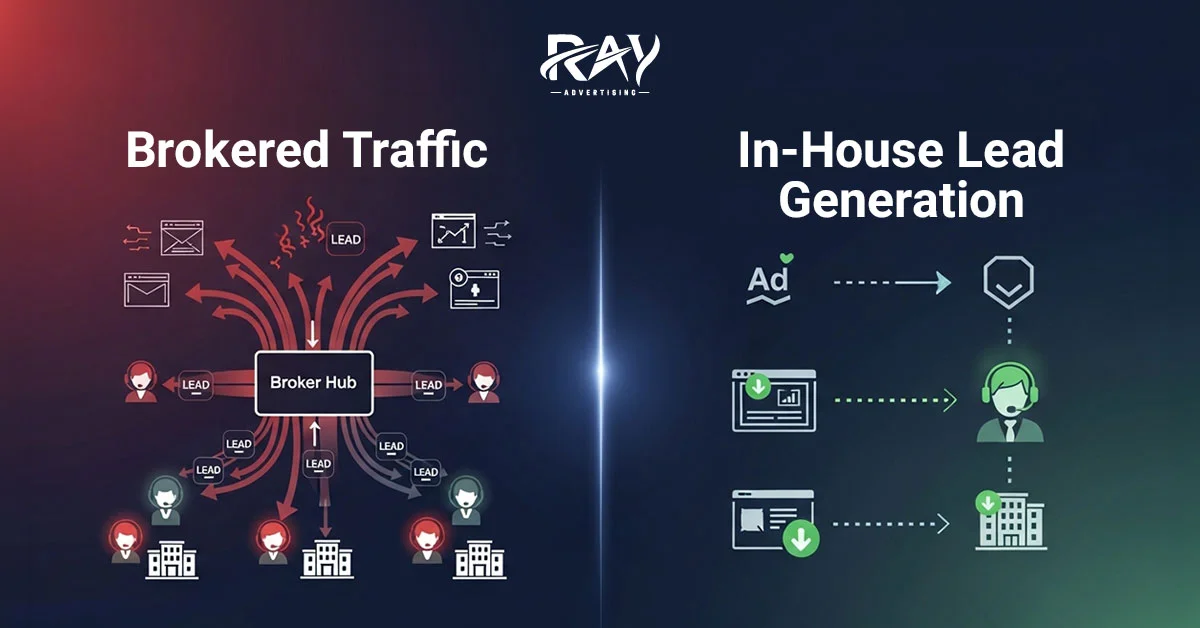
In-House Lead Generation vs Brokered Traffic...
April 1, 2026
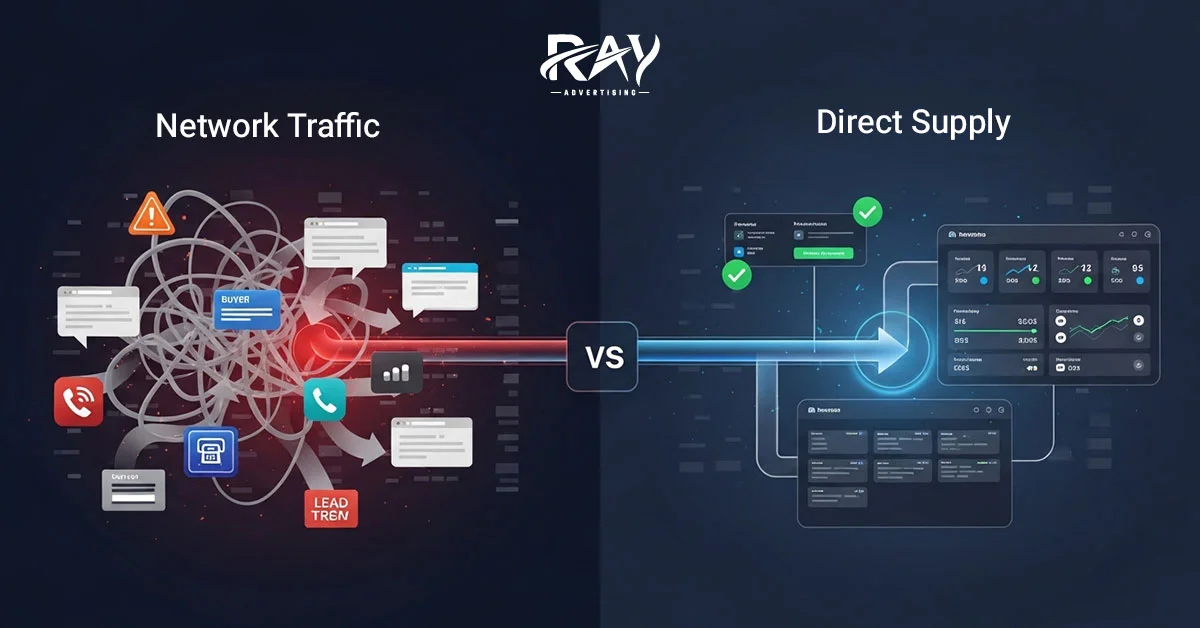
Direct Supply vs Network Traffic: What Buyers Shou...
March 30, 2026
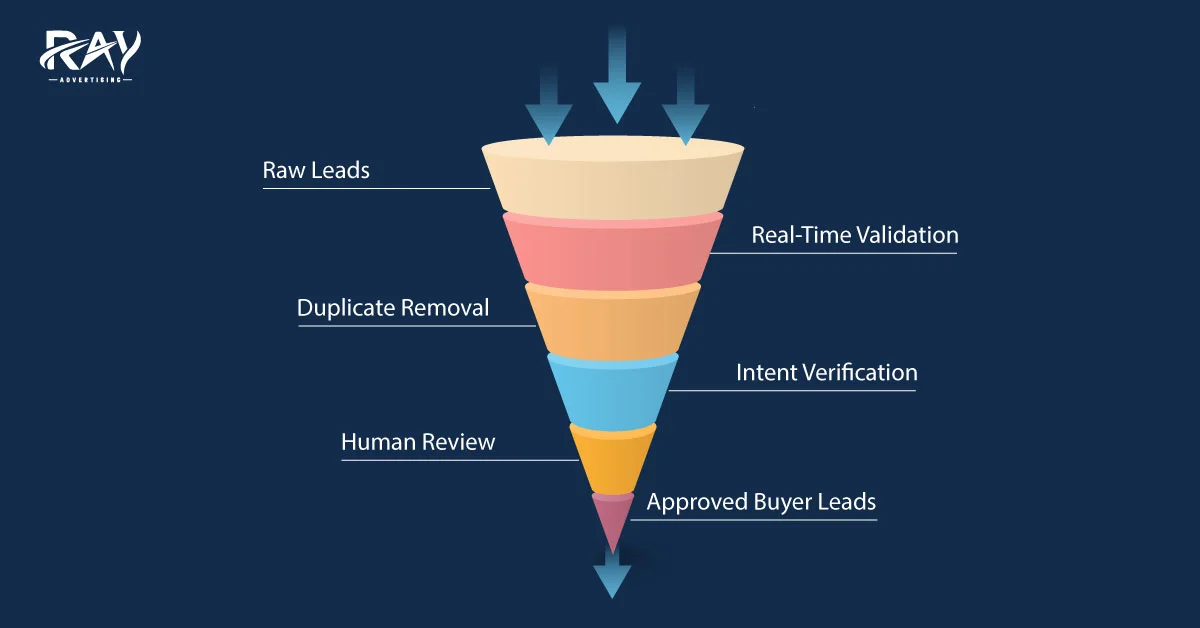
The Role of QA in Buyer Approval Rates
March 28, 2026

How We Audit Every Call Before Delivery
March 10, 2026

Behind the Shield: The Team Protecting Buyer Compl...
March 3, 2026
Multi-Layer In-House Call Validation Process...
February 28, 2026

How to Create High-Converting Landing Pages for Af...
February 26, 2026
Boosting Affiliate Marketing with Behavioral Targe...
February 23, 2026
How to Earn with Affiliate Marketing Content...
February 19, 2026

Copyright © 2024 RAY ADVERTISING | All rights reserved